
React is a Javascript library for building user interfaces. Created by Facebook and open-sourced in 2013, it has become one of the most popular frontend libraries.
React teams typically already have most of what they need for desktop: a fast SPA, clear routing, and reusable UI components. ToDesktop lets you ship that existing React app as a native desktop application without rebuilding your frontend.
Where React desktop apps work best
- Product and analytics dashboards used all day by internal teams.
- Collaboration tools where global shortcuts and tray presence improve workflow.
- Customer apps where desktop notifications increase retention.
Recommended rollout for React
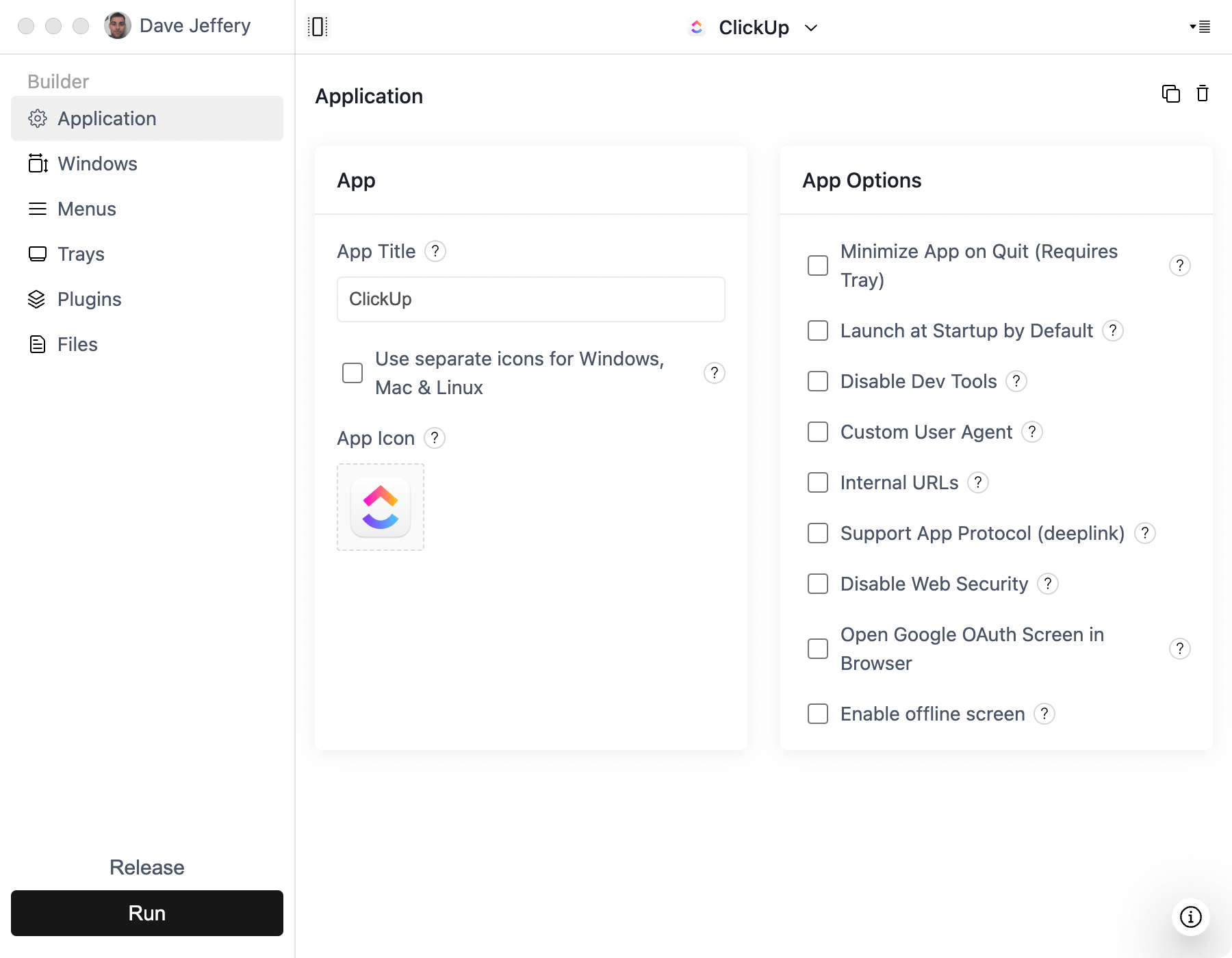
- Start with your existing production React URL in ToDesktop Builder.
- Enable desktop-only behavior checks with
platform.todesktop.isDesktopApp(). - Add native notifications for high-signal events like mentions, approvals, or alerts.
- Add app/tray menu actions for common tasks users repeat all day.
- Configure auto-updates so users stay current without manual installs.
React-specific opportunities
- Keep your web UX and add desktop-native capabilities only where they add value.
- Use deep links to open specific views in your React router.
- Add keyboard shortcuts for power-user workflows.
Common pitfalls
- OAuth flows that try to finish inside an embedded browser.
- Missing handling for external links and popup windows.
- Shipping without a tray/menu strategy for always-on apps.