
Webflow lets you build responsive websites in your browser, then launch with our world-class hosting or export your code. Discover the professional website platform built for your business.
Webflow is an excellent fit for desktop when your "website" is really a product portal, partner dashboard, or internal workspace. ToDesktop helps you package that Webflow experience into an installable app without changing your publishing workflow.
Great Webflow desktop use cases
- Membership portals with repeat daily usage.
- Internal dashboards shared across distributed teams.
- Client service portals where faster re-entry improves retention.
Webflow desktop launch plan
- Use your published Webflow URL as the desktop source.
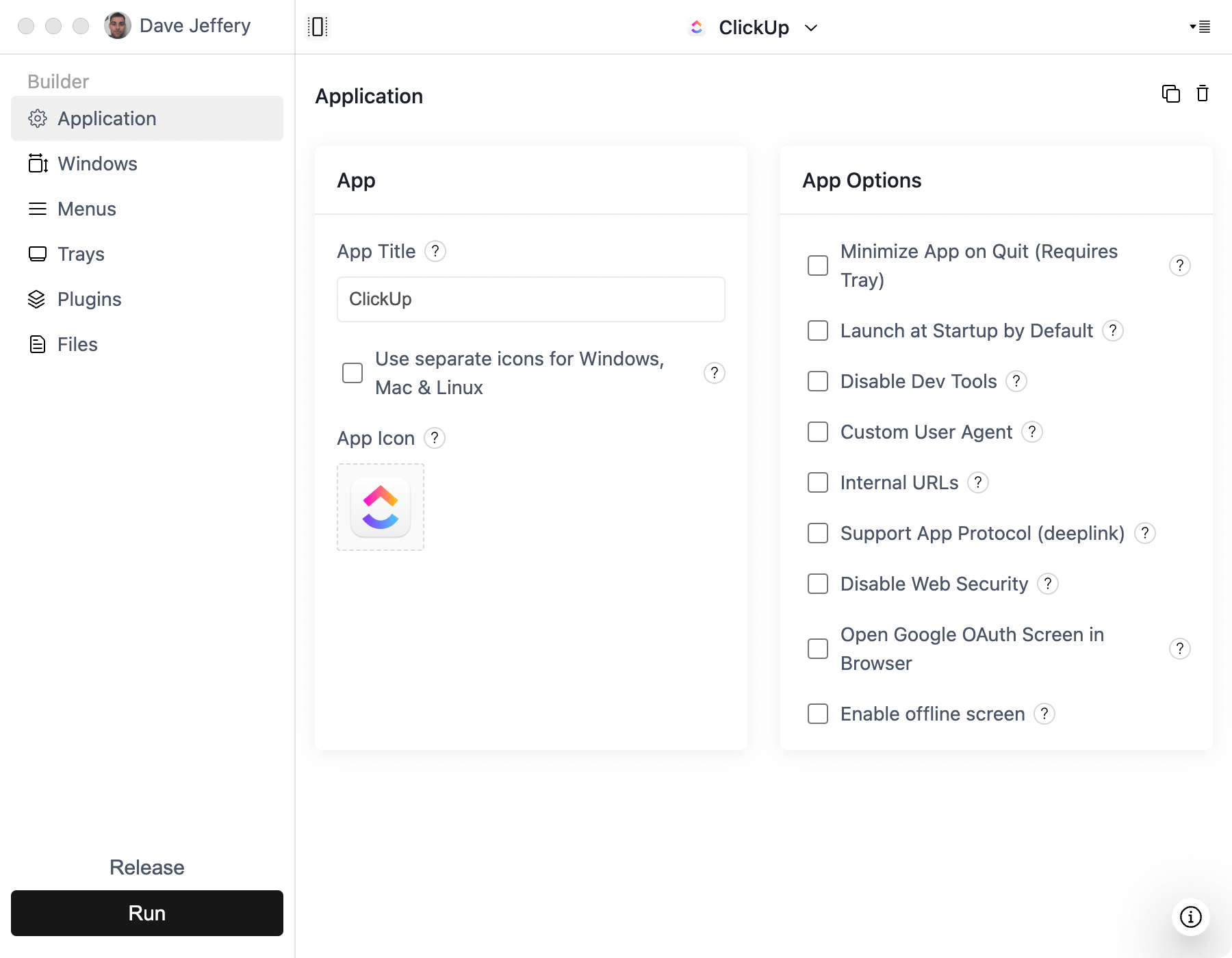
- Add polished app and tray icons for desktop-native presentation.
- Add native notifications for important status updates.
- Configure universal and platform-specific download links.
- Add launch-at-startup if users need persistent access.
Conversion opportunities for Webflow teams
- Add clear "Download desktop app" CTAs to key Webflow pages.
- Deep-link from marketing emails into specific desktop destinations.
- Use app menus to make key support/help actions easier to discover.
Common pitfalls
- Treating install links as an afterthought instead of a primary CTA.
- Ignoring OS-specific icon details for tray/menu presentation.
- Not testing external link behavior for payment and account flows.