+
ToDesktop logo

Built with ToDesktop

It's time to go native

Convert your Angular app to a desktop app

Angular is a Javascript framework that allows you to build web, native mobile, and native desktop applications.

Angular is a common choice for enterprise-grade web apps, and those same apps often need a managed desktop experience for internal teams. ToDesktop gives Angular teams a path to desktop distribution without splitting into a separate desktop codebase.

Best-fit Angular scenarios

  • Internal business tools with strict workflow and role boundaries.
  • Apps used in long-running sessions where startup behavior matters.
  • Teams that need native menu/shortcut controls for productivity.

Angular to desktop rollout

  1. Ship your existing Angular app URL first for a fast baseline.
  2. Add window opening rules for auth and external provider domains.
  3. Add application menu actions with clear keyboard accelerators.
  4. Configure auto-update behavior for predictable rollout control.
  5. Add tray behavior if users need background presence.

Angular-specific opportunities

  • Use app protocols to route users directly to key Angular routes.
  • Add global shortcuts for frequent internal actions.
  • Keep desktop feature checks behind isDesktopApp() guards.

Enterprise pitfalls to avoid

  • Leaving OAuth and SSO flows in an embedded sign-in flow.
  • Not validating deeplink URLs before handling them.
  • Treating update behavior as default instead of explicitly configuring it.

Recommended ToDesktop docs

Distribute apps for every OS

Completely customizable

No code required

Customer stories

Native APIs
What sets ToDesktop apart is its seamless integration with native APIs using our existing web codebase. By tapping into APIs like Tray and Notifications, we've crafted an exceptionally polished desktop user experience.
Rick Pastoor
Cleaner, less cluttered UI
Having a desktop app gives us the freedom to design the experience we want, including better keyboard shortcuts and a cleaner UI. It was a no-brainer for us to use ToDesktop.
Max Musing
Code optional
It was unbelievably simple for us to get a desktop app up and running, and we didn’t have to write a single line of code. Once we had this MVP, we were able to extend the app’s functionality with custom behavior using ToDesktop’s libraries.
Pouya Rad
Ready to start building?

Create your desktop app for free*

ToDesktop Builder will take you step-by-step through the process of creating your first desktop app in just a few minutes.

Download ToDesktop Builder

*You can create a desktop app and run it on your computer for free. You will only be charged if you want to create a distributable app for your customers.

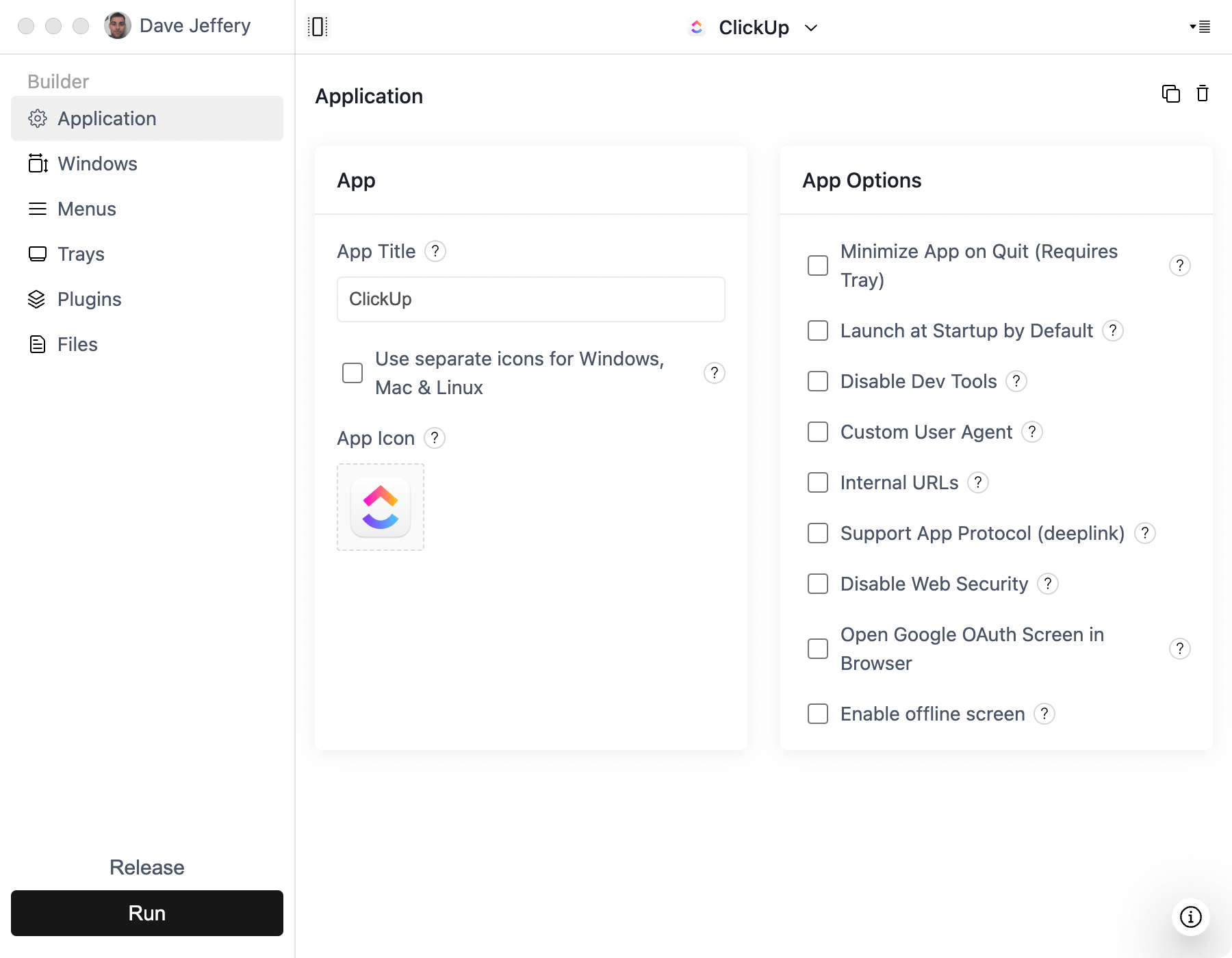
App screenshot
ToDesktop Builder screenshot
ToDesktop Builder walkthrough