
WeWeb is a visual development platform for building production web applications. A project can be published to a WeWeb subdomain or custom domain, and that live URL can be used as the main window in ToDesktop Builder.
Because WeWeb is commonly used for authenticated, data-driven products, its applications are often better desktop candidates than ordinary brochure websites.
Turn a WeWeb app into a desktop app
- Publish the project to its production environment rather than using the editor preview.
- Test authentication, collections, backend actions, and responsive behavior at desktop sizes.
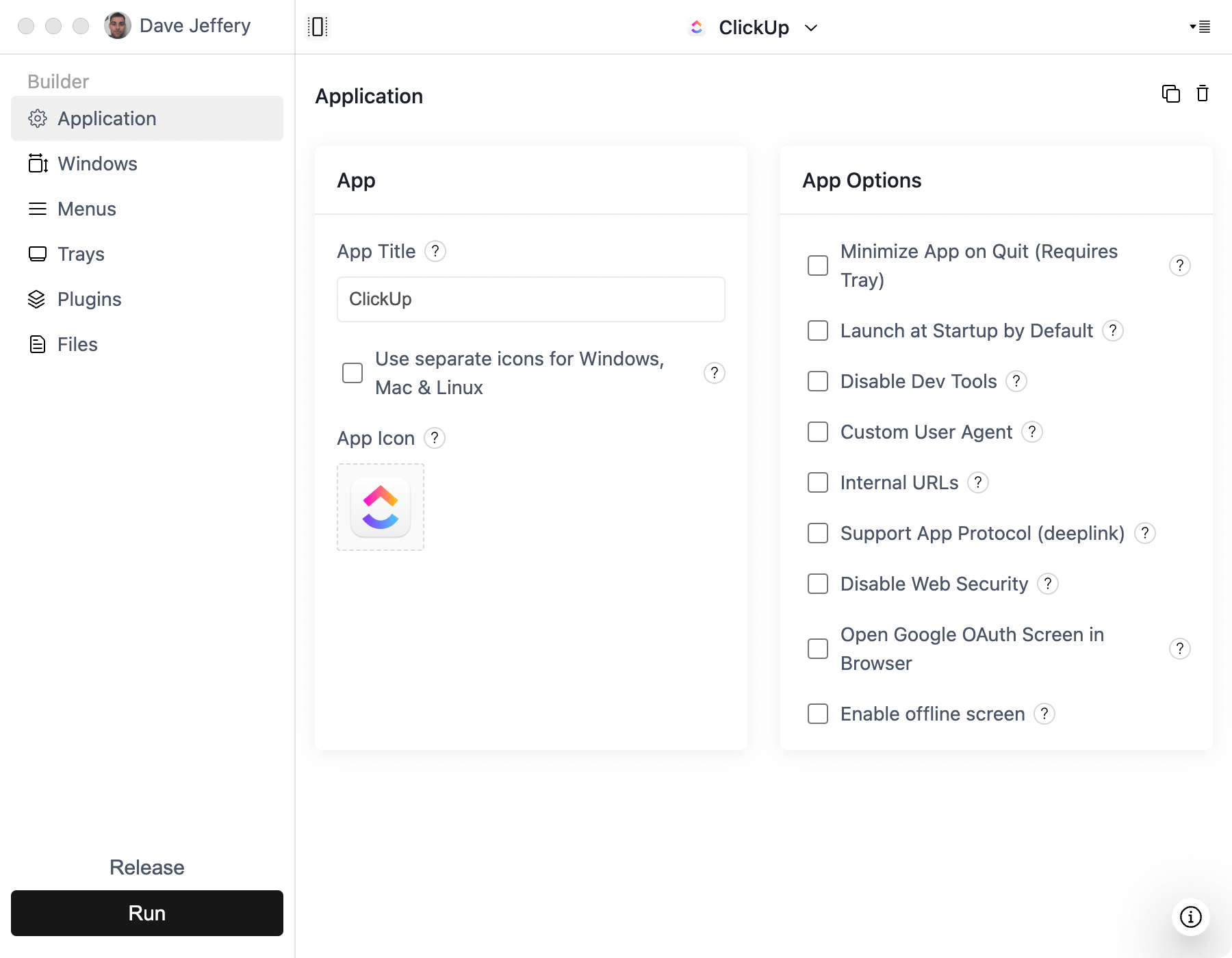
- Open ToDesktop Builder, create a Simple Window project, and use the production URL.
- Configure external navigation and additional windows for OAuth or third-party services.
- Add your icon, signing configuration, and release metadata before building installers.
If the application supports several environments, point the public desktop release at production and use a separate ToDesktop project or release channel for staging.
Good WeWeb desktop use cases
- Full-stack SaaS applications and customer portals.
- Internal tools connected to Xano, Supabase, or REST APIs.
- Operational dashboards that benefit from persistent desktop presence.
- Workflow apps where shortcuts and notifications reduce response time.
Keep backend authorization in place even if the app is distributed only to employees. A desktop installer is a distribution method, not an access-control boundary.