
Vue is a progressive Javascript framework for building user interfaces. It is accessible to new developers and very performant.
Vue apps are often excellent desktop candidates because they are fast, component-driven, and easy to adapt for desktop-only polish. With ToDesktop, you can keep your Vue codebase and layer in native capabilities where they make sense.
High-fit Vue desktop use cases
- Team tools that stay open all day in the tray.
- SaaS products with frequent status changes and notification events.
- Operational dashboards where keyboard shortcuts improve speed.
Practical setup path for Vue
- Use your existing Vue production URL as the desktop app source.
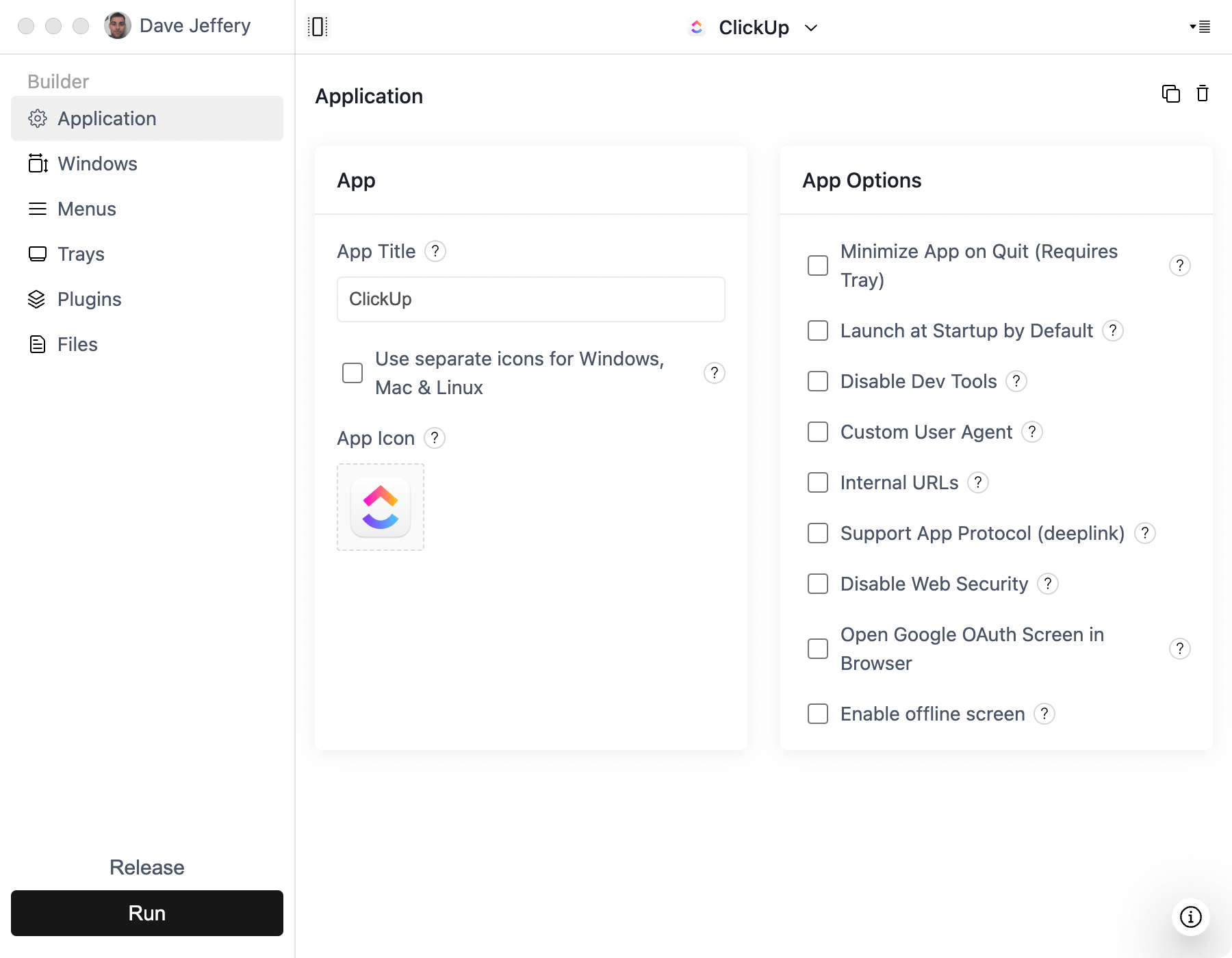
- Define trusted internal URLs so navigation behaves predictably in desktop.
- Add native notifications for events users should not miss.
- Add tray and application menu actions for quick access to core workflows.
- Enable launch-at-startup for always-on usage patterns.
Vue-specific desktop enhancements
- Wire route-level deep links so users can jump straight to a screen.
- Use global shortcuts for common actions from anywhere on the OS.
- Keep a lightweight hidden window strategy for faster app reopen behavior.
Common pitfalls
- Third-party auth windows opening in-app when they should open in browser.
- Unhandled
window.openbehavior for payment/auth provider domains. - No fallback experience when network drops.