
Vite is a frontend build tool used by React, Vue, Svelte, Solid, and many other web stacks. ToDesktop Builder can load a Vite development server during local work and a deployed Vite build in production.
This makes ToDesktop a useful desktop distribution layer without changing the framework or replacing the fast Vite development workflow.
Turn a Vite app into a desktop app
- Start the Vite development server and confirm the app works at its local URL.
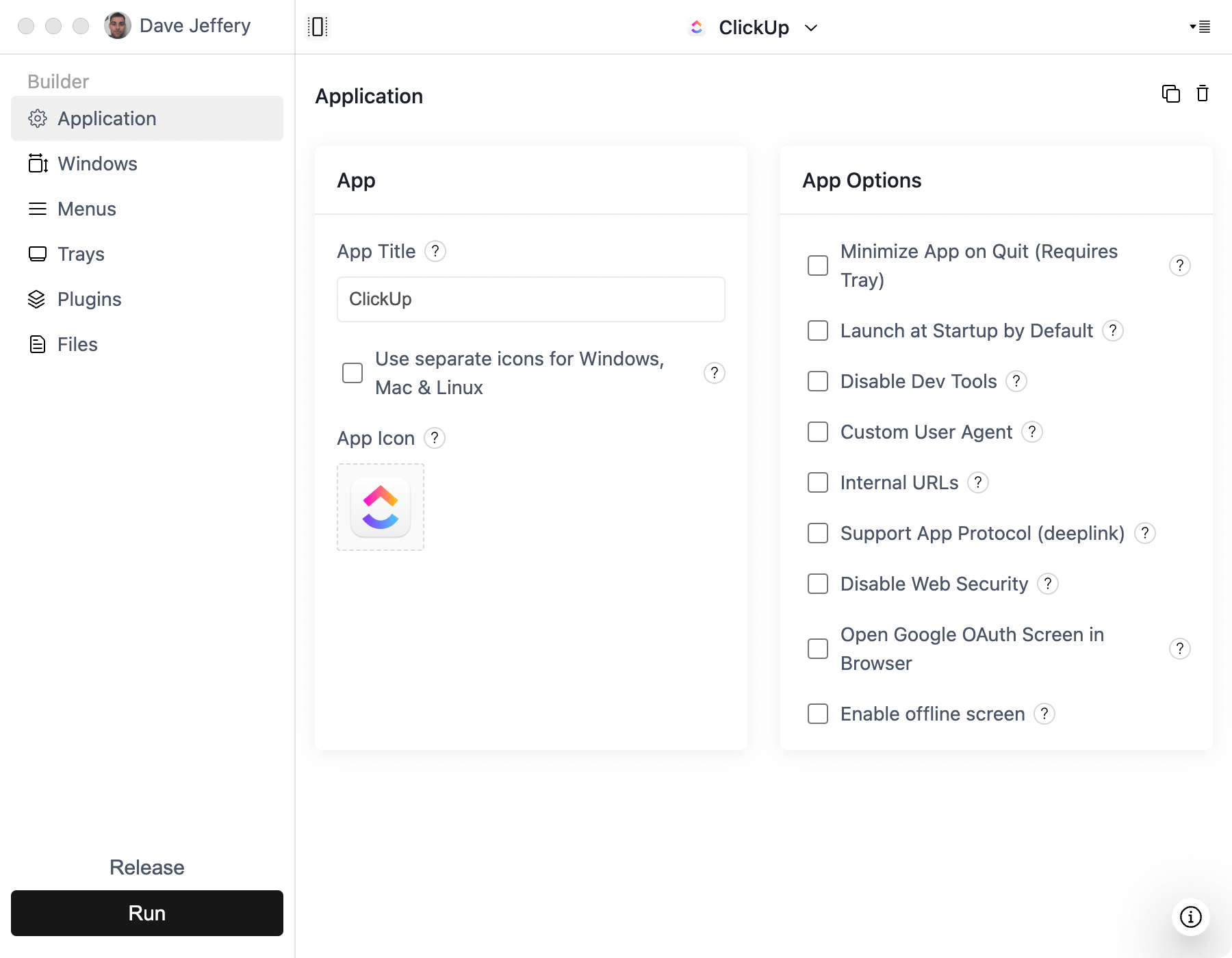
- Create a Simple Window project in ToDesktop Builder and use that URL while developing.
- Run the production build and deploy the output to a stable HTTPS host.
- Update Builder to load the production URL before creating a public release.
- Test client-side routing, asset paths, API calls, authentication redirects, and external links in the packaged app.
If the app uses history-based routing, configure the host to return the application entry point for unknown routes. A production desktop app should not depend on the Vite dev server running on a developer machine.
Good Vite desktop use cases
- Single-page productivity applications.
- Framework-agnostic internal tools.
- Existing React, Vue, or Svelte products moving to desktop.
- Lightweight apps that need a native installer without an Electron build system.
Vite environment variables included in client bundles are visible to end users. Keep secrets and privileged API calls in a backend service, just as you would for the web version.