
Velo by Wix is the web development platform formerly known as Corvid. It adds JavaScript, databases, server-side functions, APIs, and custom application behavior to Wix projects.
Once the Wix project is published, ToDesktop Builder can use its live URL to create a signed desktop app while you continue managing the site and application logic through Wix.
Turn a Velo app into a desktop app
- Publish the Wix project and verify all Velo pages, collections, permissions, and backend functions.
- Open the production URL as a normal user rather than from Wix Preview.
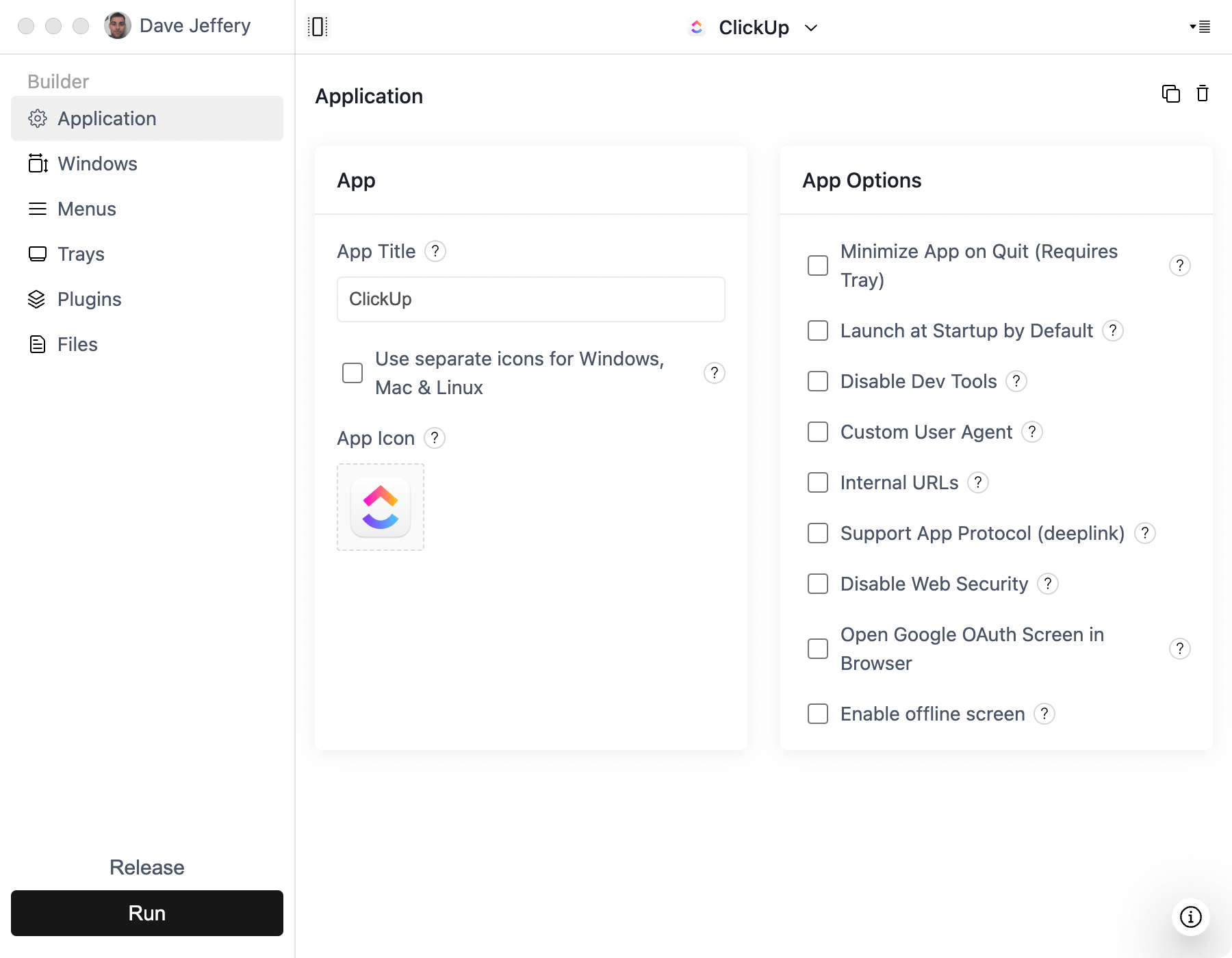
- Create a Simple Window project in ToDesktop Builder and enter the published URL.
- Configure authentication popups, external links, your app icon, signing, and window behavior.
- Build and test installers for each target operating system.
Use a custom domain before distributing a long-lived desktop product so the app loads an address controlled by your organization.
Good Velo desktop use cases
- Membership portals and operational dashboards.
- Booking, directory, and workflow applications.
- Internal tools backed by Wix collections.
- Customer experiences that benefit from a dedicated desktop window.
Velo's backend remains responsible for authorization and sensitive operations. Publishing the web app inside a desktop shell does not make client-side code or data private.