
v0 creates production-ready web interfaces and full-stack applications, with one-click publishing to Vercel. Every published project receives a stable production URL that can become the main window of a ToDesktop app.
Because v0 commonly produces Next.js applications and can connect to GitHub, teams can move from prompt-generated UI to a maintainable desktop product without creating a separate desktop frontend.
Turn a v0 project into a desktop app
- Complete and test the application in v0, including its server actions, database connections, and environment variables.
- Select Publish to Production to deploy the project to Vercel.
- Verify the production URL or attach a custom domain.
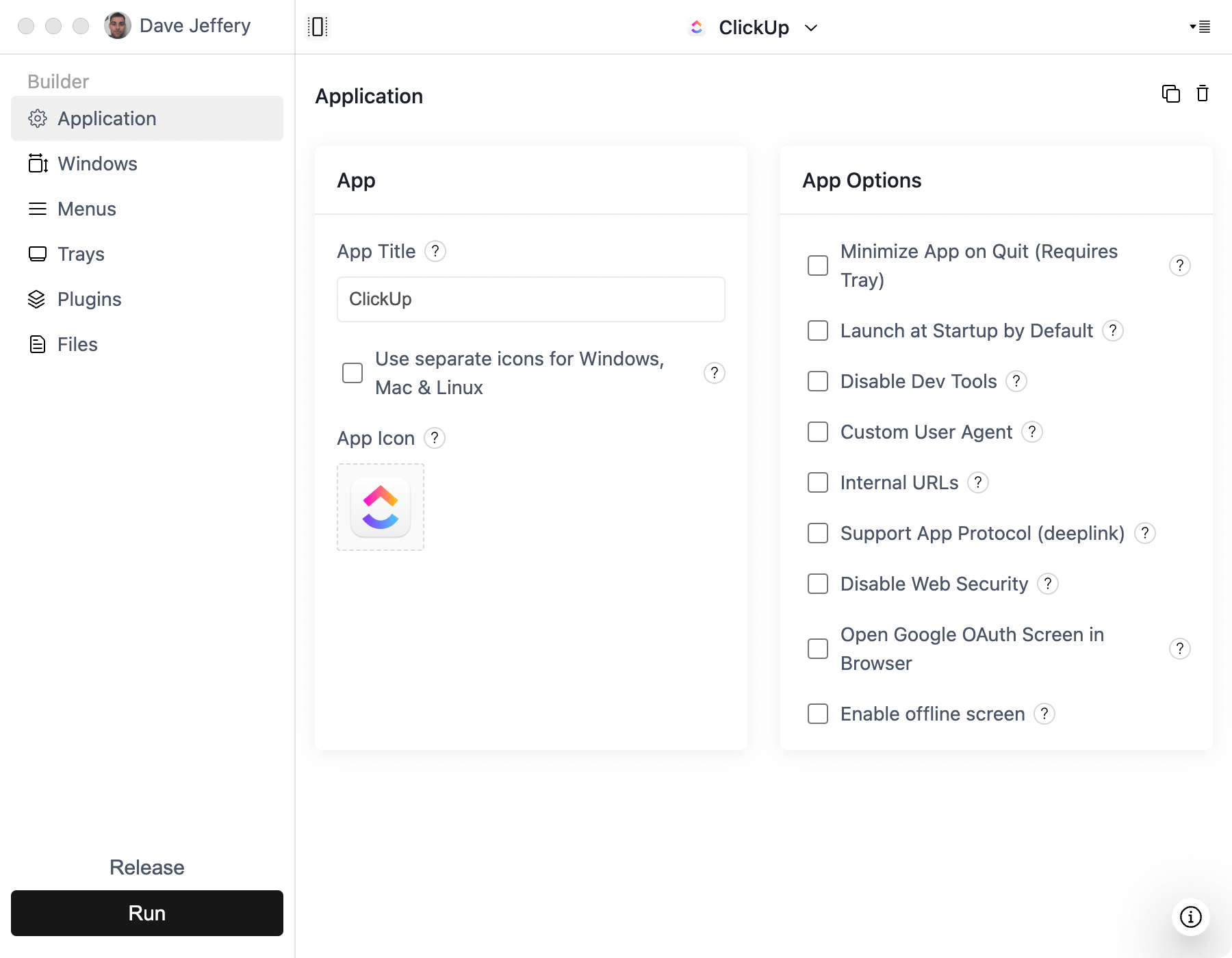
- Open ToDesktop Builder, create a Simple Window project, and enter that URL.
- Test authentication popups and external navigation, then configure signing and build your installers.
Publishing changes from v0 updates the web application served inside the desktop shell. Native configuration changes still need a new desktop release.
Good v0 desktop use cases
- Next.js SaaS products and data-heavy dashboards.
- AI applications built with the Vercel AI SDK.
- Team workspaces that benefit from shortcuts and notifications.
- Products that started as a v0 prototype but need branded distribution.
For native enhancements, use v0's GitHub connection and add ToDesktop APIs to the application code. Keep server-only environment variables on Vercel; never expose privileged credentials in code delivered to the desktop client.