
SvelteKit is a full-stack web framework built around Svelte. Its fast client runtime and flexible rendering options make it a strong foundation for responsive desktop applications, while ToDesktop handles the native shell, installers, signing, and updates.
You can point Builder at a local SvelteKit development server while iterating, then switch to the hosted production URL for release builds.
Turn a SvelteKit app into a desktop app
- Run the application locally and make the development server reachable on
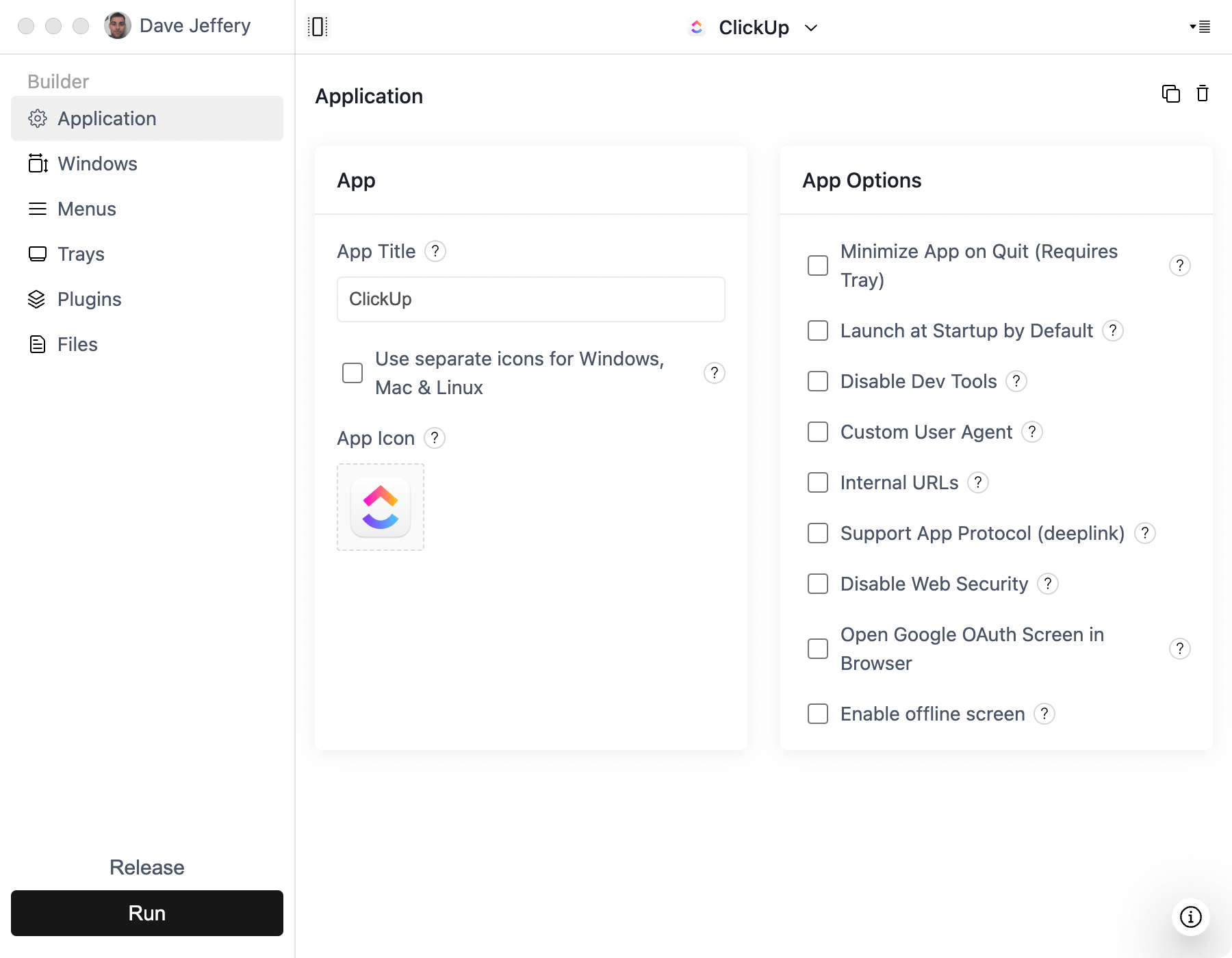
localhost. - Create a Simple Window project in ToDesktop Builder and enter the local URL while developing.
- Deploy the SvelteKit app using the adapter and hosting platform appropriate for its server-side requirements.
- Replace the development URL with the production URL before building installers.
- Test routing, form actions, authentication callbacks, service workers, and external links inside the desktop window.
Static SvelteKit applications can be hosted on a CDN. Applications that use server routes or server-side rendering need a persistent web deployment that remains available to desktop users.
Good SvelteKit desktop use cases
- Fast keyboard-driven productivity tools.
- Data applications with real-time updates.
- SaaS products that share one Svelte codebase across web and desktop.
- Apps that need ToDesktop menus, windows, files, or notifications.
Add ToDesktop APIs in the SvelteKit client where native behavior is required, and guard browser-only or desktop-only code so normal web sessions continue to work.