
Softr is a no-code platform for portals, internal tools, and business applications. Published Softr apps receive a softr.app address and can also use a custom domain, giving ToDesktop Builder a stable web application to package.
The combination is most valuable for repeat-use tools that otherwise get lost among browser tabs.
Turn a Softr app into a desktop app
- Publish the Softr application and confirm its user groups, page rules, and data-source permissions.
- Open the published URL as a non-editor user and test the complete workflow.
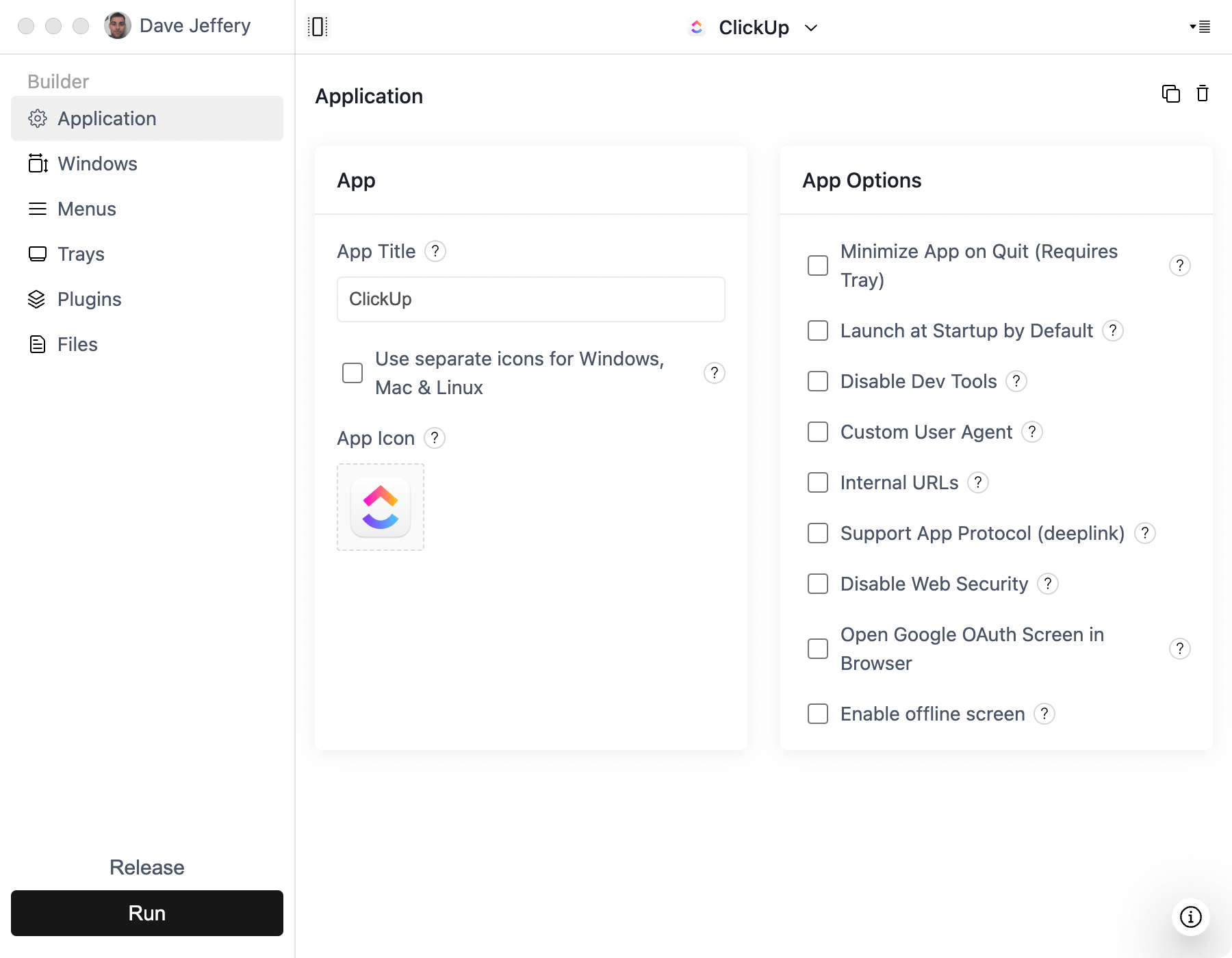
- Create a project in ToDesktop Builder and enter the Softr or custom-domain URL.
- Configure popup and external-link rules for sign-in providers and linked services.
- Add branded icons and signing details, then test installers with representative users.
Use a custom domain when possible so the desktop app is tied to an address your organization controls. If you later republish the Softr app, desktop users receive the updated web interface automatically.
Good Softr desktop use cases
- Employee portals and team directories.
- Client portals used for recurring service workflows.
- Inventory, approval, and operations applications.
- Airtable- or database-backed tools that stay open all day.
Softr continues to enforce access and data permissions inside the hosted application. ToDesktop does not replace those controls, so verify every user role before distribution.