
Lovable turns natural-language prompts into working web applications. Once your project is ready, Lovable can publish it to a stable lovable.app URL or a custom domain. ToDesktop Builder can use that production URL to create signed desktop apps for macOS, Windows, and Linux.
This is a particularly useful combination for teams that want to keep Lovable's rapid iteration workflow while offering customers a focused, installable product with native desktop behavior.
Turn a Lovable project into a desktop app
- In Lovable, publish the version of your project that you want desktop users to receive.
- Open the published app in a private browser window and verify that authentication, navigation, uploads, and API calls work outside the Lovable editor.
- Download and open ToDesktop Builder, create a Simple Window project, and enter the published URL.
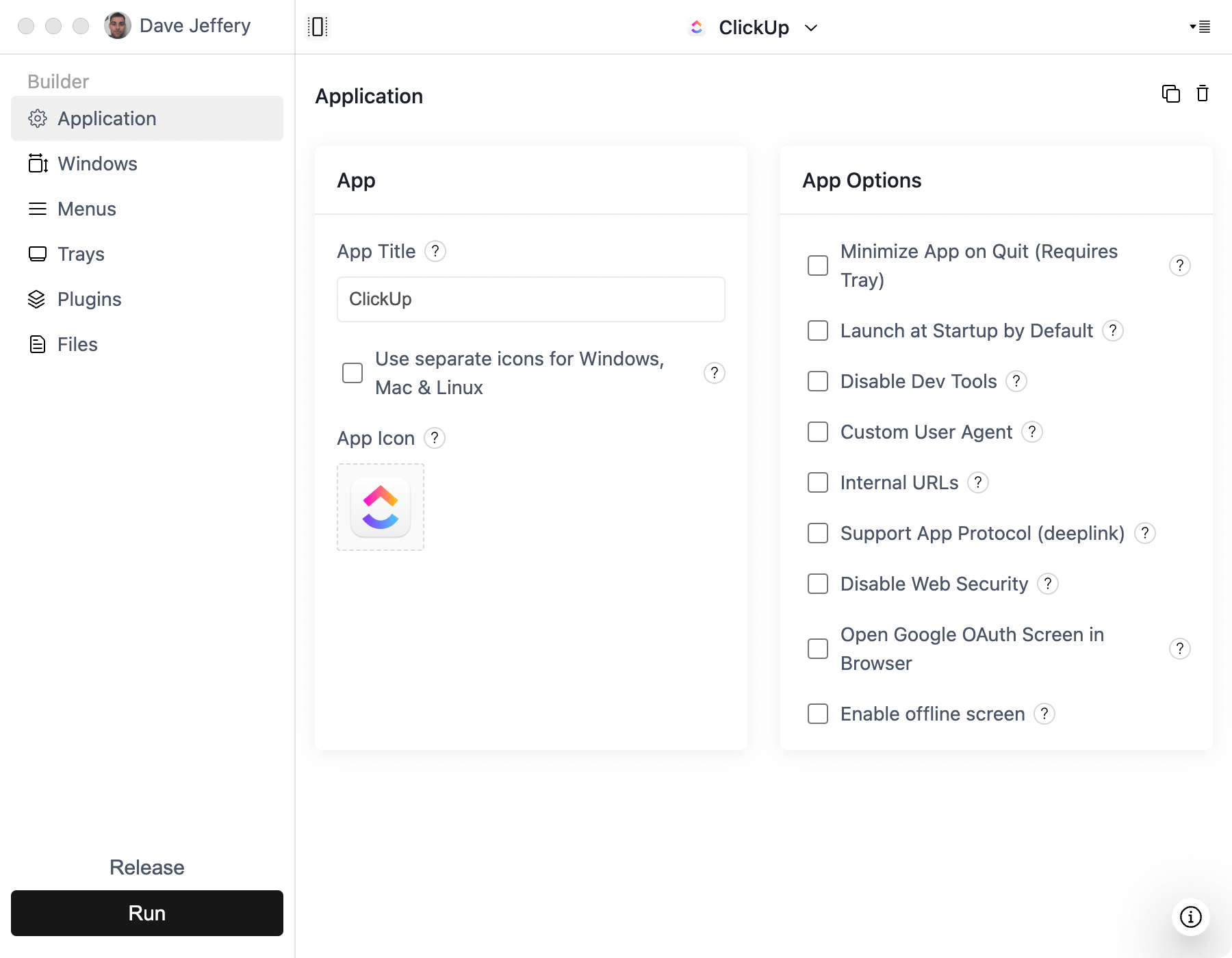
- Configure your app name, icon, window behavior, external-link rules, and signing settings.
- Build and test the macOS and Windows installers before distributing them.
When you publish an update in Lovable, the desktop app will load the new web experience the next time it starts. Changes to the installer, application icon, permissions, or native features require a new ToDesktop release.
Good Lovable desktop use cases
- Customer-facing SaaS products that users keep open throughout the day.
- Internal operations tools that benefit from a dedicated window and dock presence.
- AI utilities that need global shortcuts, notifications, or tray access.
- Products that started as a Lovable prototype and are ready for branded distribution.
For deeper native functionality, connect the Lovable project to GitHub and add ToDesktop APIs to the generated code. Keep private API keys and privileged operations on the server rather than embedding them in the desktop client.