
FlutterFlow can publish projects as web applications in addition to its mobile targets. Once web support is enabled, the project can be deployed to a flutterflow.app URL or custom domain and used as the source for a ToDesktop app.
This lets teams reuse a visual FlutterFlow project for a conventional desktop installer while keeping web, mobile, and desktop experiences aligned.
Turn a FlutterFlow web app into a desktop app
- Enable web support and review every screen at desktop breakpoints.
- Resolve web-specific issues, then publish the project from FlutterFlow's Web Publishing settings.
- Test the live URL in a normal desktop browser, including authentication, file selection, and third-party integrations.
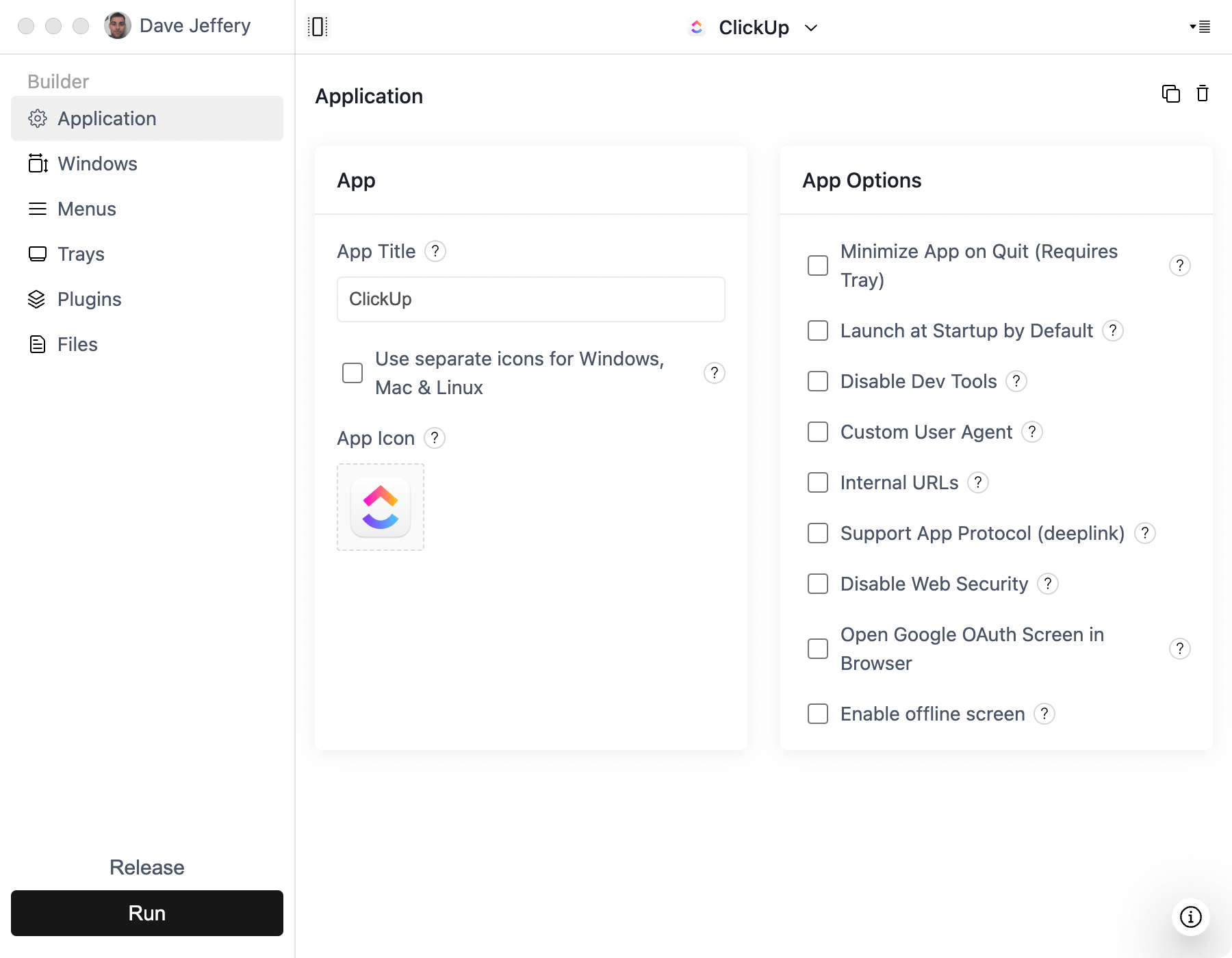
- Create a Simple Window project in ToDesktop Builder and enter the published or custom-domain URL.
- Configure the application icon, window size, links, signing, and release settings.
FlutterFlow projects designed only for mobile often need layout work before they feel natural on a large resizable window. Pay particular attention to navigation width, hover states, keyboard access, and empty space.
Good FlutterFlow desktop use cases
- Multi-platform business applications.
- Field-service or operations tools also used from a desk.
- Customer portals with shared mobile and desktop workflows.
- Data-entry applications that benefit from a keyboard and larger display.
Where FlutterFlow exposes the generated code, you can extend the web target with ToDesktop APIs. Test web plugin support carefully because a mobile-only Flutter package may not have browser-compatible behavior.