
Figma Make turns prompts and Figma designs into functional prototypes and web applications. Publishing makes a Make app available on the public web with a dedicated figma.site URL or custom domain, which ToDesktop Builder can load as a desktop application.
It creates a short path from an interactive design to an installable product, especially when the same design team owns the experience from prototype through release.
Turn a Figma Make app into a desktop app
- Test every interactive path in the Make preview and replace placeholder data or prototype-only behavior.
- Publish the Make file and choose the appropriate public or organization access setting.
- Open the published URL outside Figma and confirm it behaves like a complete web app.
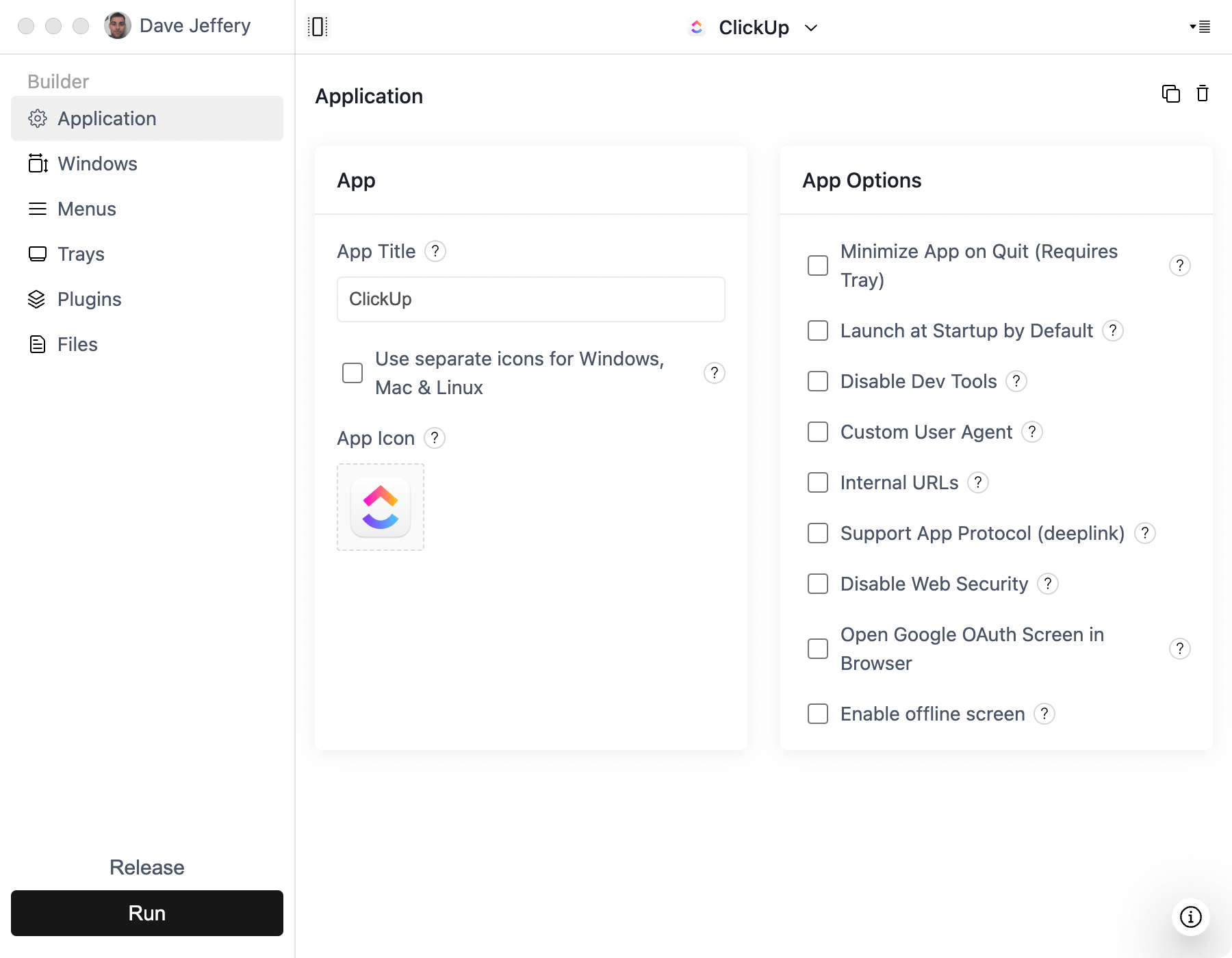
- Download ToDesktop Builder, create a Simple Window project, and enter the published or custom-domain URL.
- Configure native window behavior, links, signing, icons, and installer metadata.
If the application needs functionality beyond the Make hosting environment, download the generated code and deploy it to a production host before pointing Builder at it.
Good Figma Make desktop use cases
- Interactive internal tools designed in Figma.
- Customer demos that are ready to become focused utilities.
- Branded dashboards and workflow applications.
- Design-led products that need a fast desktop validation cycle.
Publishing a prototype is not automatically the same as production readiness. Confirm data persistence, authentication, accessibility, privacy, and error handling before distributing installers to end users.