Clay is a go-to-market platform for prospecting, data enrichment, AI research, and automated outreach. Teams use its table-based workspace to build repeatable revenue workflows across data providers, CRMs, and messaging tools.
ToDesktop Builder can package a Clay workspace as a focused internal desktop app, giving go-to-market teams dedicated dock access without keeping another browser tab open.
Turn Clay into a desktop app
- Confirm the Clay workspace, user permissions, and connected providers are ready for the intended team.
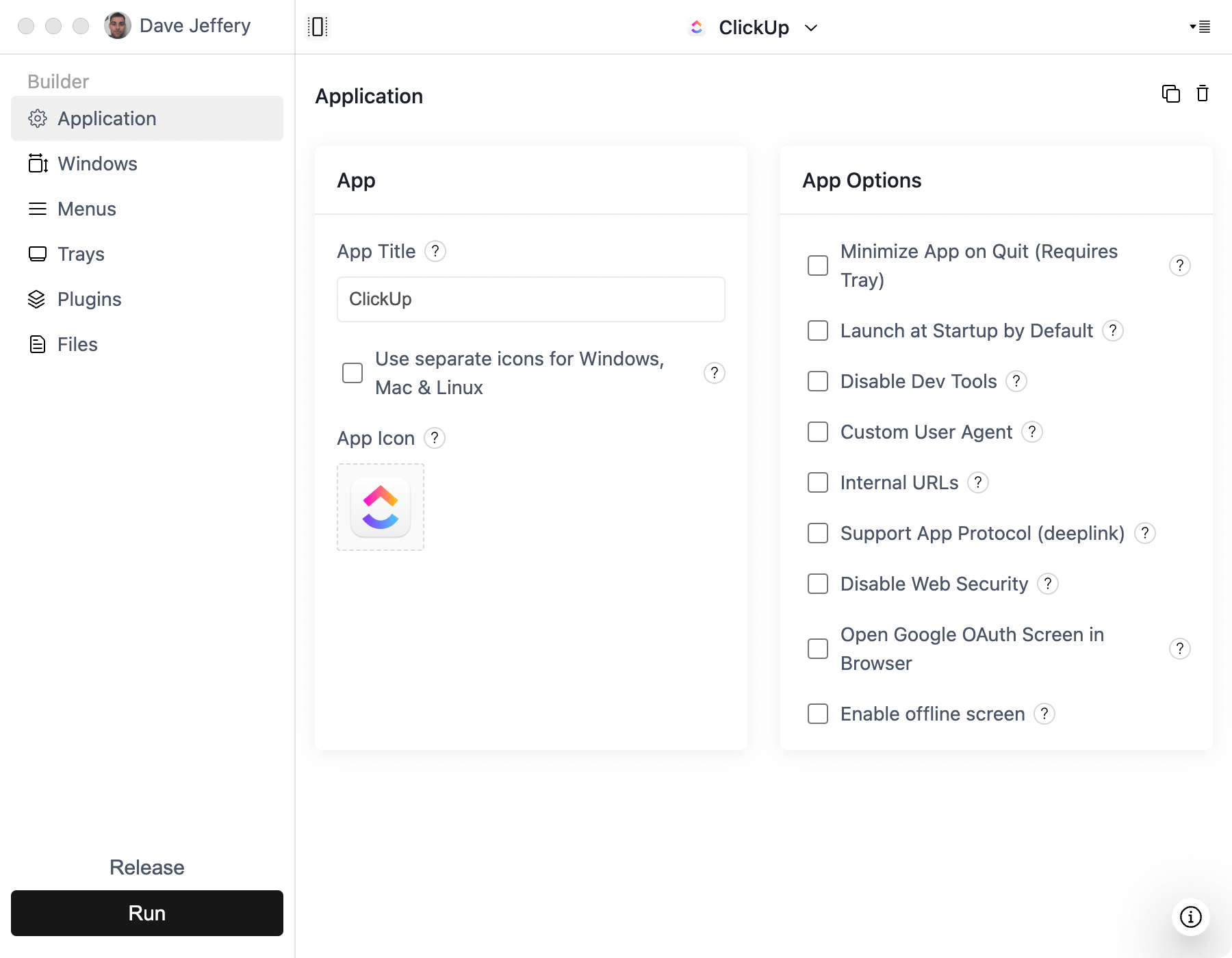
- Open ToDesktop Builder, create a Simple Window project, and enter the Clay web URL.
- Sign in and test authentication, table navigation, enrichment actions, downloads, and linked CRM pages.
- Configure external-link rules so documentation and third-party services open in the appropriate window or browser.
- Add your internal app branding, sign the installers, and distribute them through your normal device-management workflow.
Good Clay desktop use cases
- Prospecting and enrichment workspaces used throughout the day.
- GTM operations teams monitoring automated workflows.
- Sales research tools that benefit from persistent desktop access.
- Managed environments where employees receive an approved application catalog.
Clay continues to enforce account access and workspace permissions. The desktop installer should be treated as a convenient client, not as an authentication or security boundary.