
Bolt.new is an AI development environment for creating and shipping web applications from a prompt. Bolt Hosting gives a published project a stable bolt.host URL, which can be used directly in ToDesktop Builder.
You keep the fast prompt-and-preview workflow in Bolt while ToDesktop handles native installers, code signing, updates, window controls, and distribution across desktop operating systems.
Turn a Bolt.new app into a desktop app
- Test the complete user journey in Bolt's preview, including sign-in, payments, uploads, and any connected database.
- Publish the project with Bolt Hosting or deploy the code to your preferred web host.
- Open the production URL outside the Bolt editor to confirm it does not depend on preview-only state.
- In ToDesktop Builder, create a Simple Window project and use the production URL as the app's main window.
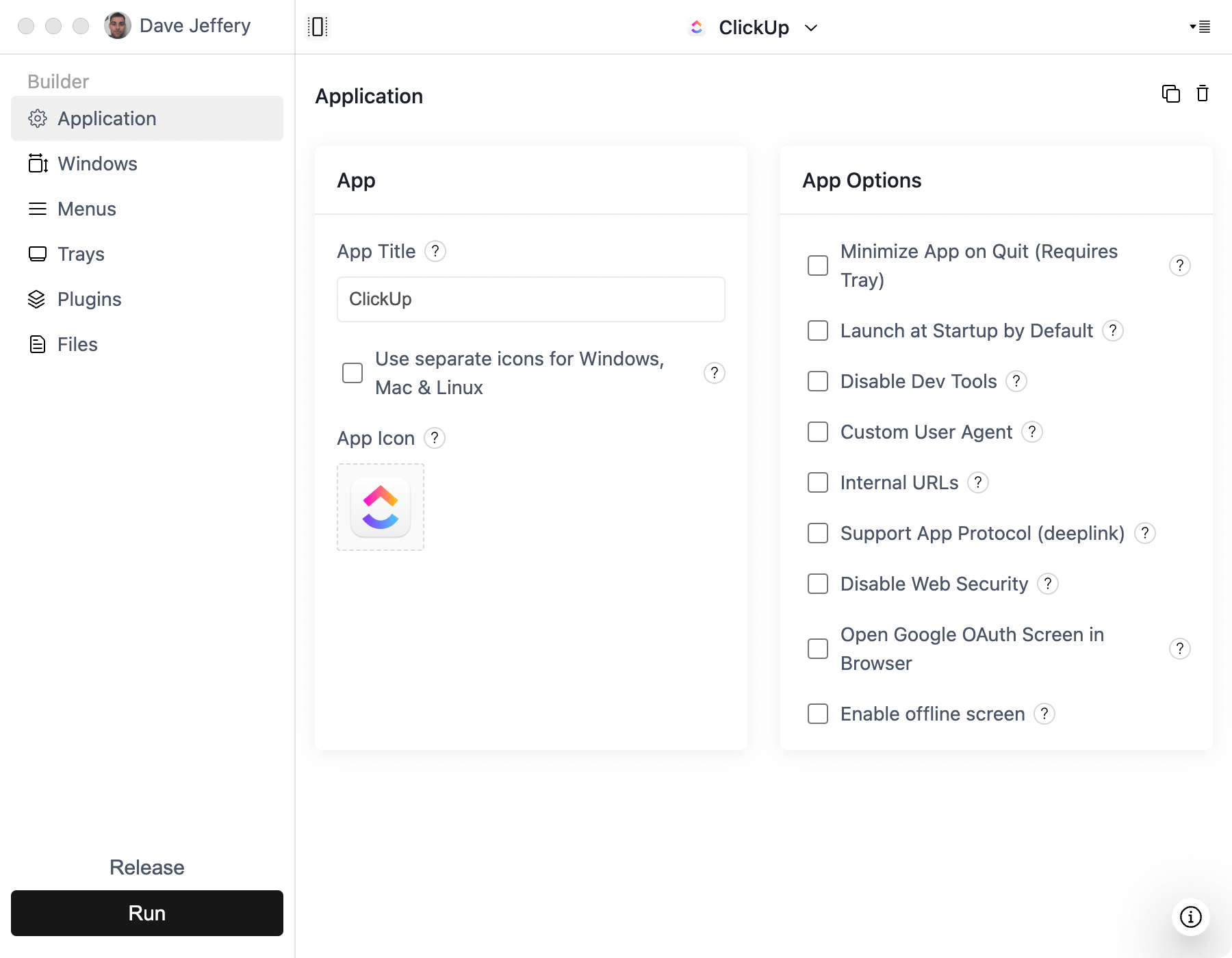
- Configure external links, popup windows, your icon, signing, and release channels before building installers.
For local development, Builder can also load the URL served by Bolt's exported project. Use the hosted production URL for releases so customers do not depend on a development server running on your machine.
Good Bolt desktop use cases
- AI-generated dashboards and workflow tools.
- SaaS applications that need a branded installer.
- Collaboration products that benefit from notifications and tray access.
- Internal tools that should launch independently of a browser tab.
If you sync the project with GitHub, you can continue editing it with other development tools and add ToDesktop APIs for native features. Treat the desktop shell as a client: secrets and privileged backend logic should remain in protected server-side code.