
Base44 builds full-stack web applications from natural-language requests and includes hosting, data, authentication, and publishing. A published Base44 app has a shareable URL or custom domain that ToDesktop Builder can package as an installable desktop product.
This route is most useful when the Base44 project is an application people return to regularly rather than a one-off landing page.
Turn a Base44 app into a desktop app
- In Base44, finish the core workflows and set the appropriate visibility for the published app.
- Select Publish App, then open the resulting URL outside the Base44 editor.
- Verify sign-in, permissions, data writes, uploads, and third-party integrations with a normal user account.
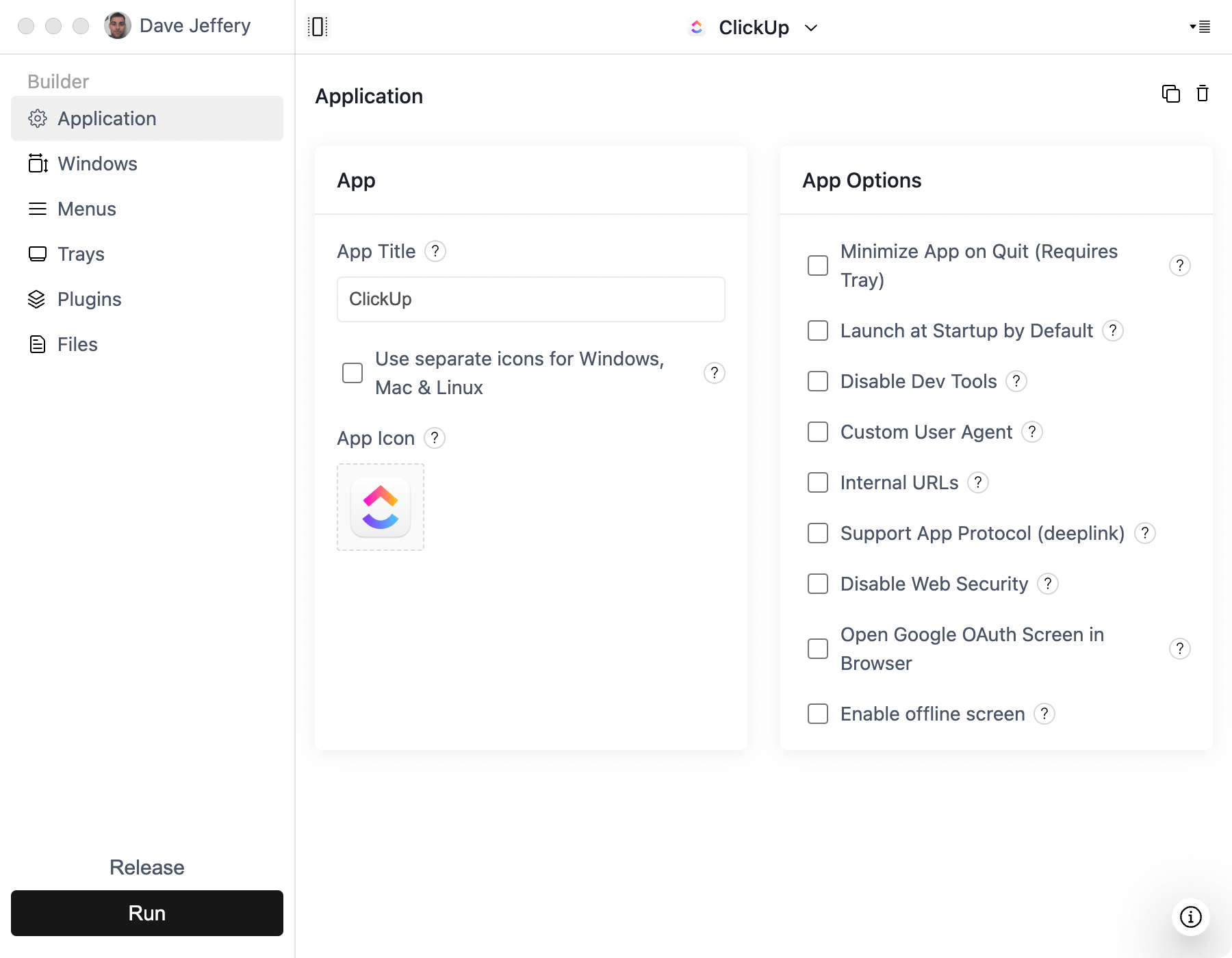
- Create a project in ToDesktop Builder and use the live Base44 URL for its main window.
- Add your desktop icon, external-link behavior, signing details, and release settings.
Use a custom domain before creating installers if you want the desktop app to depend on a branded, portable URL. That also makes it easier to change the underlying hosting later without changing the desktop configuration.
Good Base44 desktop use cases
- Operational dashboards and administrative tools.
- Client portals that users access throughout the day.
- Workflow applications that benefit from notifications.
- AI-enabled business tools that need a branded installer.
Base44 manages much of the application infrastructure, so validate its access settings carefully. The URL loaded by the desktop app must be available to the intended audience, and sensitive actions should continue to be authorized by the backend.