
Astro builds fast websites and web applications using server rendering, static output, and interactive islands from frameworks such as React, Svelte, or Vue. Any deployed Astro project with an application-style experience can be loaded by ToDesktop Builder.
Astro is best suited to desktop when the project contains a real tool, portal, documentation workspace, or authenticated product rather than a purely informational site.
Turn an Astro project into a desktop app
- Run Astro locally and test the routes and interactive islands at the development URL.
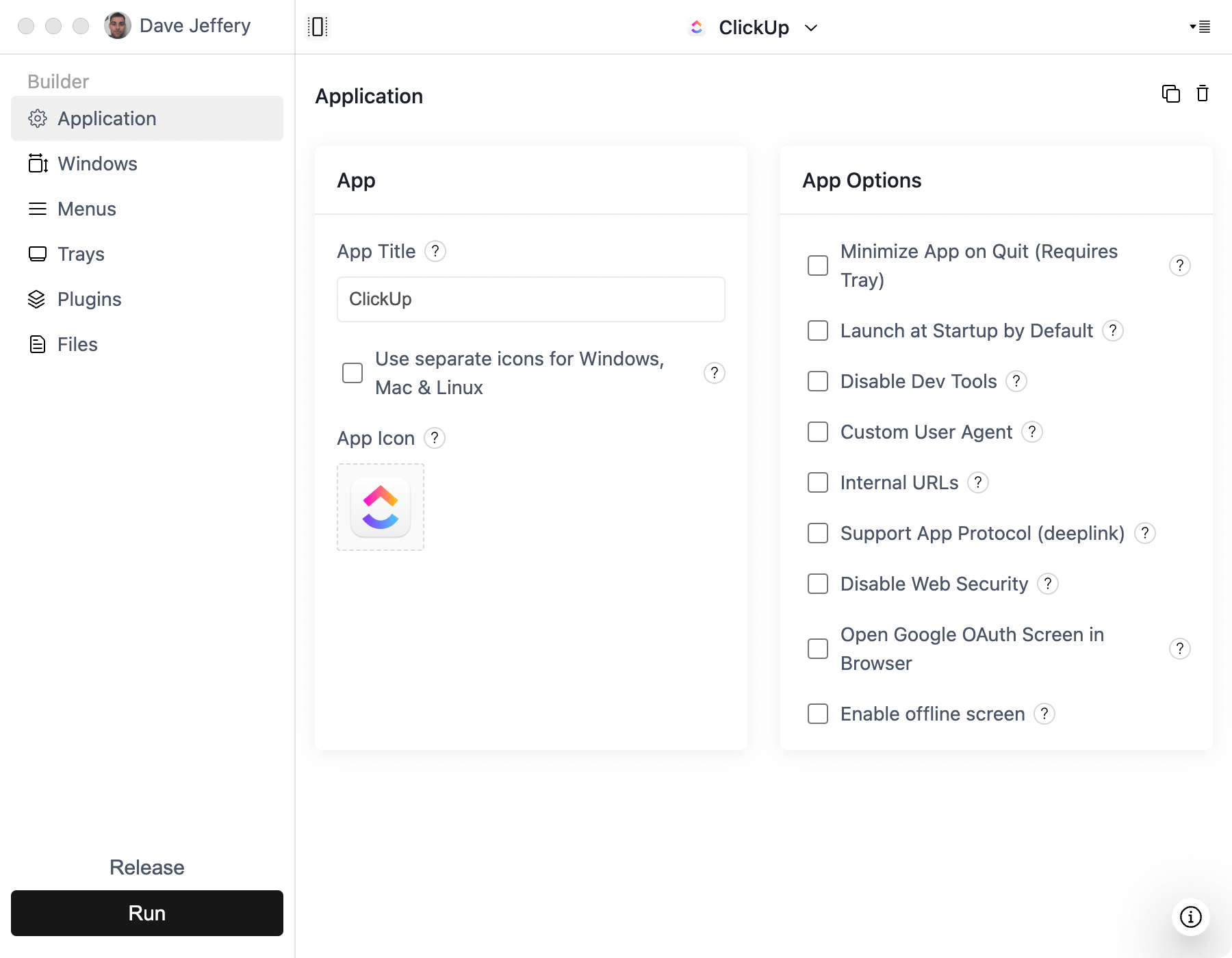
- Create a Simple Window project in ToDesktop Builder and enter the local URL for development.
- Build and deploy the project using static output or the server adapter required by the application.
- Switch Builder to the stable production URL before releasing installers.
- Verify client navigation, forms, authentication, external links, and any framework islands inside the desktop window.
If the app relies on server actions, API routes, or on-demand rendering, deploy those server components rather than packaging only the static assets.
Good Astro desktop use cases
- Documentation and knowledge applications.
- Content-heavy customer portals with interactive tools.
- Hybrid products that mix fast static pages with application islands.
- Internal hubs that benefit from a dedicated searchable window.
Use ToDesktop APIs only in hydrated client components, and keep server-only logic in Astro's backend runtime.