
Appsmith is a low-code platform for dashboards, administrative panels, database interfaces, and other internal applications. Apps can run on Appsmith Cloud or a self-hosted instance, and ToDesktop Builder can package the resulting web URL as a dedicated desktop tool.
This works well for operational software that team members use continuously and should be easier to find than another browser tab.
Turn an Appsmith app into a desktop app
- Deploy the Appsmith application and configure its users, roles, datasources, and environment.
- Test the deployed URL with a normal end-user account rather than from the editor.
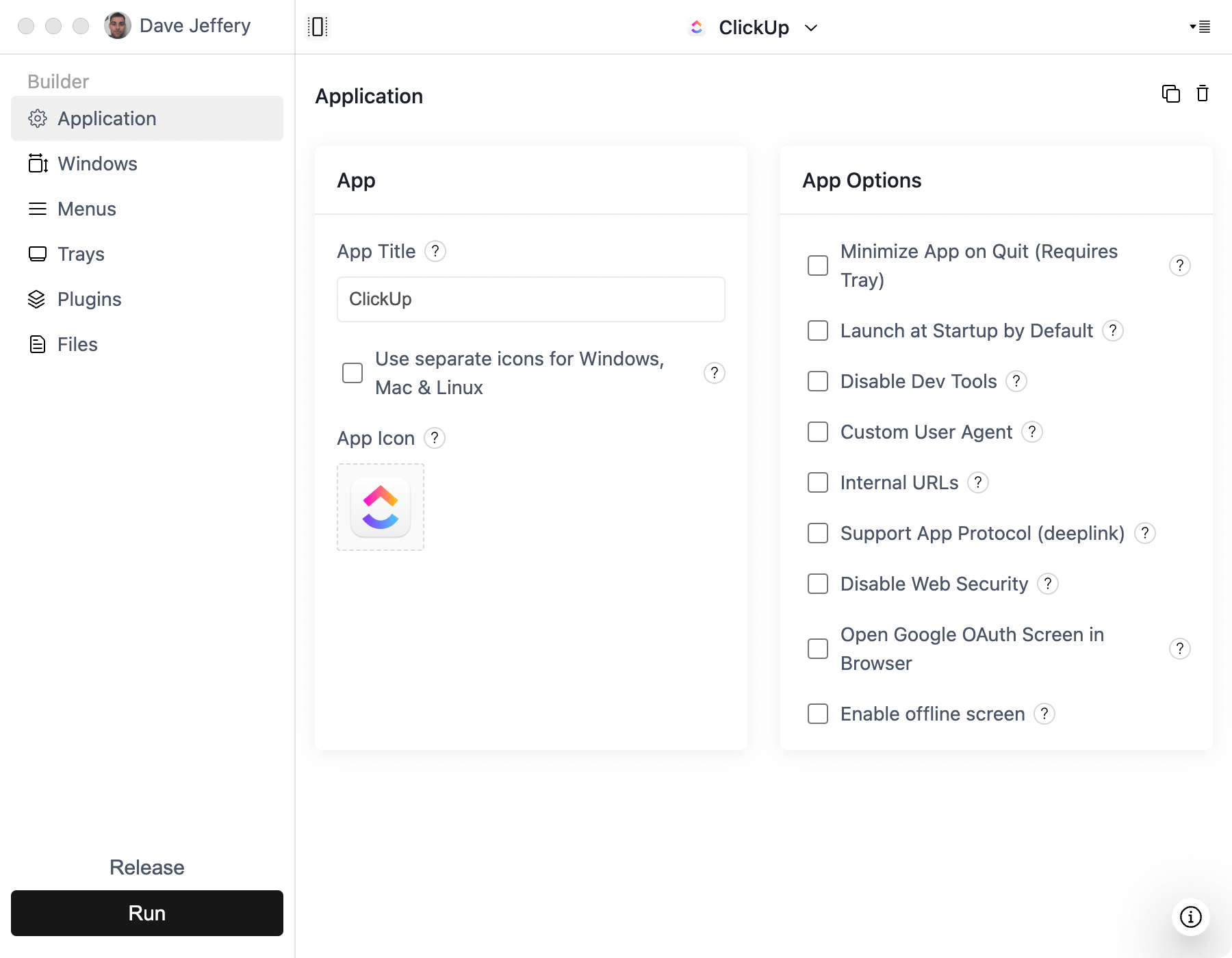
- Create a Simple Window project in ToDesktop Builder and enter the cloud or self-hosted URL.
- Configure login popups, external links, window size, and any network restrictions used by the organization.
- Sign and distribute installers through your existing device-management or release workflow.
For self-hosted Appsmith, make sure the desktop user's device can reach the server through the company network or VPN. Use HTTPS with a certificate trusted by the target machines.
Good Appsmith desktop use cases
- Support and finance consoles.
- Database administration and approval tools.
- Factory, warehouse, or service operations dashboards.
- Restricted internal applications distributed through device management.
The Appsmith backend remains responsible for authentication and datasource security. Do not treat possession of the installer as authorization to access the application.