
Next.js is a React framework with support for server rendering and exporting of static sites. It is a very popular framework for creating modern Javascript apps.
Next.js is a strong foundation for desktop because it already supports production-grade routing, auth patterns, and full-stack app architecture. ToDesktop lets you distribute that same Next.js experience as a native installer for Mac, Windows, and Linux.
Ideal Next.js desktop use cases
- Authenticated SaaS products where users work in the app daily.
- Team tools that benefit from native notifications and shortcuts.
- Product experiences that need one-click desktop distribution.
Next.js desktop setup checklist
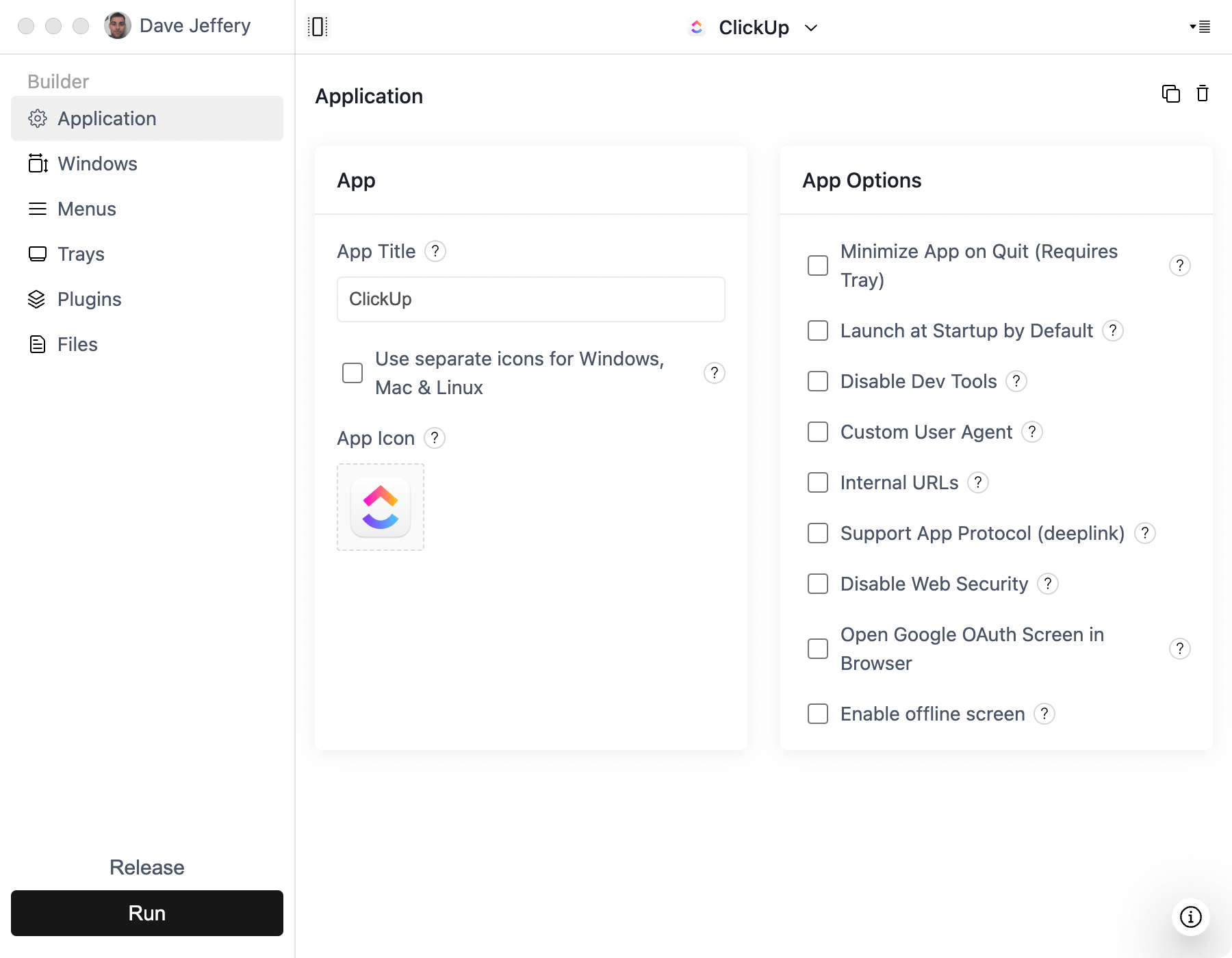
- Use your production HTTPS Next.js app URL in ToDesktop Builder.
- Configure Google OAuth to open in the user's default browser.
- Add an app protocol for reliable return-to-app sign-in completion.
- Add desktop notification events for high-priority updates.
- Publish a universal download link from your marketing site.
Next.js-specific desktop wins
- Deep link users into specific Next.js routes from email/web experiences.
- Pair release cadence with ToDesktop auto-updates for fast deployment.
- Keep web + desktop behavior aligned while adding desktop-native polish.
Common pitfalls
- Assuming all OAuth providers work correctly in an embedded flow.
- Not defining a clear policy for external links and popup windows.
- Releasing installers without a universal download link strategy.